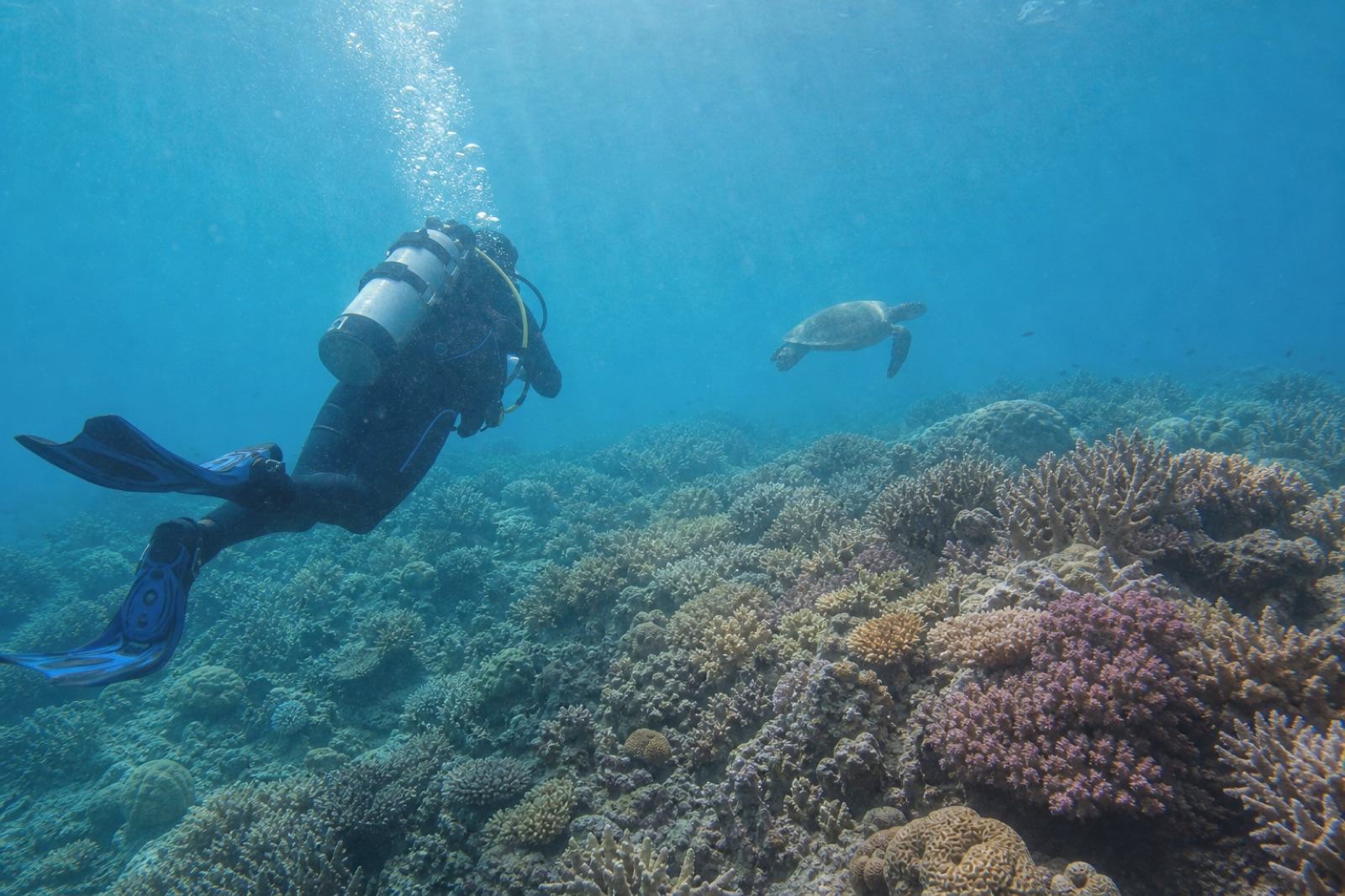
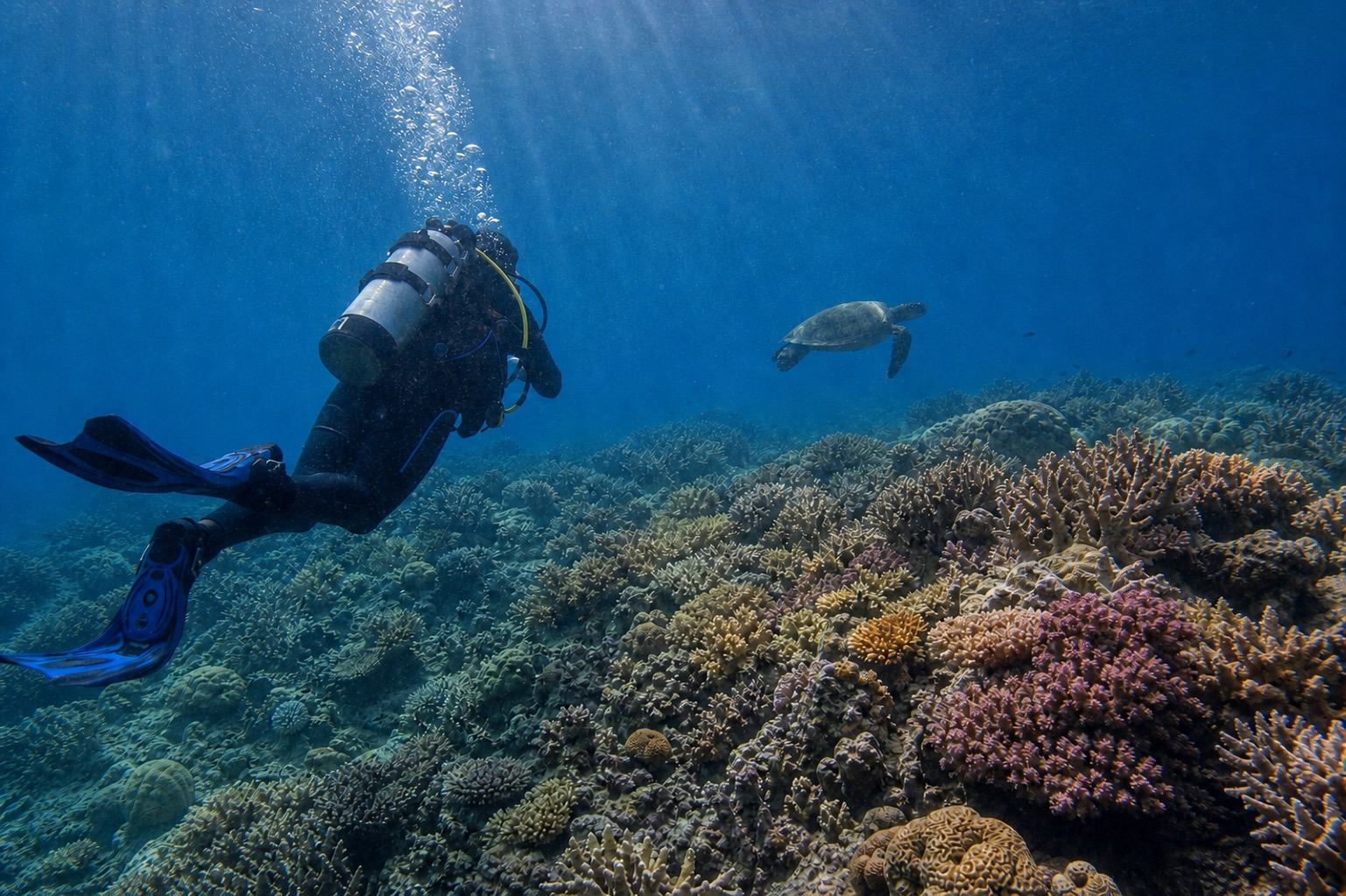
01 / PICK THE RIGHT FILE
JPG, GPR, and video need different workflows.
On supported GoPro cameras and modes, RAW capture can save a JPG and GPR for the same photo. Choose the supported JPG still for DeepBlue AI; GPR RAW files are not accepted. Use a compatible RAW editor when you need to develop the GPR source directly.
A dedicated tool such as GoPro Quik may be the better choice when you want manual filters, exposure, crop, or video edits. DeepBlue AI is a separate option for comparing one supported underwater still after a combined color-cast adjustment. This product and/or service is not affiliated with, endorsed by or in any way associated with GoPro Inc. or its products and services. GoPro, HERO, MAX, MISSION and their respective logos are trademarks or registered trademarks of GoPro, Inc. in the United States and other countries.
02 / FOUR CHECKS
Use four checks from the camera file to the result.
Choose a supported still, separate RAW and video first, then review the finished details.Choose a supported original still
Select one JPG, PNG, or WEBP still from the SD card or photo library. When possible, use the original still instead of a messaging-app compression or screenshot.
Separate GPR from its matching JPG
If RAW capture produced both JPG and GPR, choose the JPG for DeepBlue AI. GPR is GoPro's RAW format and is not currently supported.
Export a still JPG before using video
MP4 and HEVC video are not supported. A JPG frame exported from video you are authorized to use can be selected as a still, but recovery of video compression or motion blur is not guaranteed.
Compare the emailed result with the original
Large JPG, PNG, or WEBP files are prepared on-device when needed, then uploaded to the server for the actual AI enhancement. Check the emailed result against the original for believable diver, equipment, fish, and coral edges.
03 / BEFORE YOU KEEP IT
Check believable detail before dramatic color.
Generative enhancement can alter fine details, so review these points after downloading the result.The original composition, subjects, and wide-angle feel remain intact
Diver faces, masks, regulators, and equipment have not changed shape
Fish, coral, and rock edges have no repeated textures or smears
Background water has not shifted too far toward red or magenta
The original camera file remains stored separately from the result
04 / GOPRO FILE ANSWERS
Color-correcting GoPro underwater photos: common questions
Can DeepBlue AI enhance a GoPro GPR file directly?
No. DeepBlue AI supports JPG, PNG, WEBP, and HEIC still photos, but not GPR or DNG RAW files. If RAW capture also saved a matching JPG, choose that file instead.
Does DeepBlue AI enhance GoPro video?
No. MP4, HEVC, 360 video, and video uploads are not supported. A rights-cleared still frame already exported as JPG can be selected as one photo, but video quality or motion recovery is not guaranteed.
Should I use Quik or DeepBlue AI?
A dedicated editor such as Quik is better suited to manual exposure, filter, crop, duration, and speed controls. DeepBlue AI is a separate option for attempting one combined underwater color-cast, haze, and local-contrast adjustment on a supported still and comparing it with the original.
How large can the original JPG be?
You can choose JPG, PNG, or WEBP up to 50MB. In a compatible browser, a large photo over 15MB is resized on-device when needed so the actual server upload is prepared at no more than 15MB.
Will it restore the exact underwater color and focus?
That cannot be guaranteed. The service cannot verify color or detail the sensor did not record and does not promise lossless processing, exact original color, focus or motion-blur repair, or removal of every backscatter spot.
Where is the photo processed and how long is it kept?
Compatible-format preparation and any required resizing happen on-device before upload. The prepared photo is uploaded to the server for the actual AI enhancement and deleted after the retention period shown in the uploader and privacy notice. The uploader also shows the result-link expiry period.
Is DeepBlue AI an official GoPro service?
No. This product and/or service is not affiliated with, endorsed by or in any way associated with GoPro Inc. or its products and services. GoPro, HERO, MAX, MISSION and their respective logos are trademarks or registered trademarks of GoPro, Inc. in the United States and other countries.