01 / CHOOSE THE RIGHT EDIT
Apple Photos and underwater-specific AI enhancement have different jobs.
The exposure, highlight, color, and crop controls in Apple Photos are useful when you want to adjust brightness and composition yourself. If the photo only needs a light edit, those built-in controls may be the simpler and more predictable place to start.
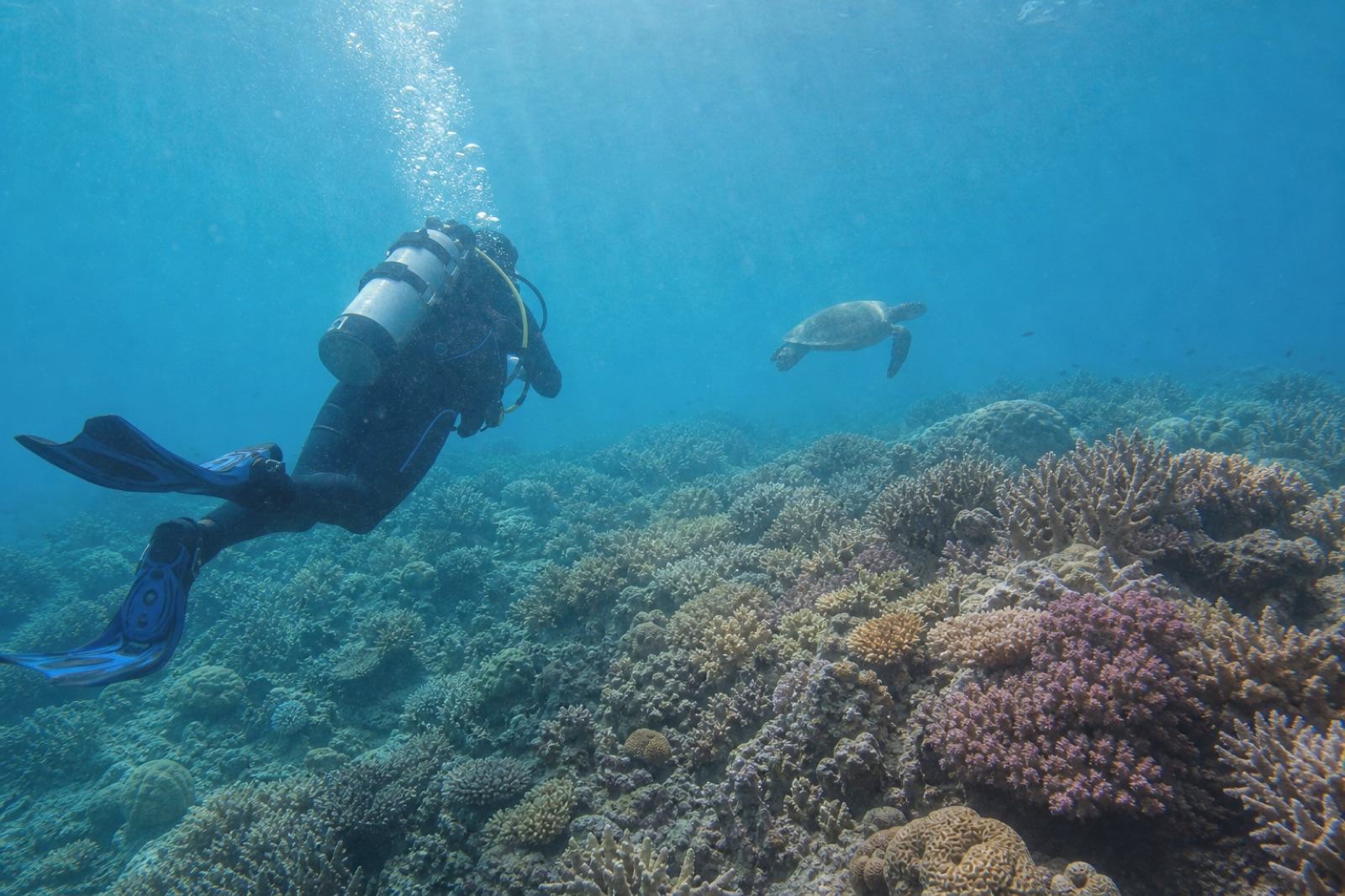
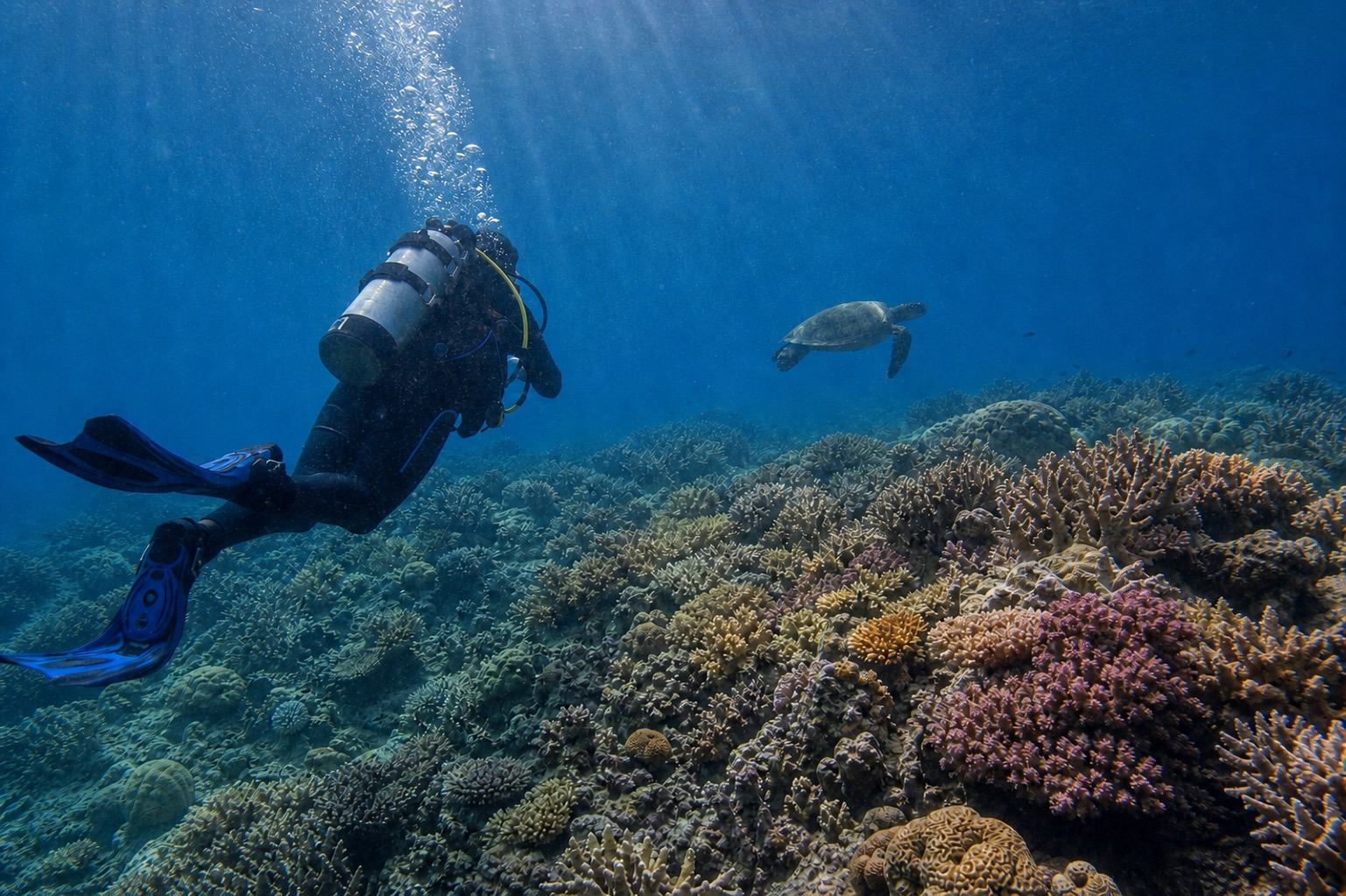
DeepBlue AI does not replace Apple Photos or an Apple feature. It is a separate generative AI edit that attempts to adjust underwater color cast, water-column haze, visible backscatter, and low local contrast from the information remaining in the photo. It cannot verify color or detail the sensor did not record, and fine details can change.
02 / FOUR CHECKS
Use four checks from the phone original to the finished result.
Choose a supported still photo and keep the on-device preparation separate from the server-side AI processing.Check the original supported still photo
When possible, use the original still photo from the photo library instead of a messaging-app compression or screenshot. HEIC, JPG, PNG, and WEBP are supported. Live Photos themselves, video, ProRAW, and DNG are not supported.
Decide whether Apple Photos is enough
Start with Apple Photos if you only want to adjust exposure, highlights, color, or crop. Use the DeepBlue AI single-photo flow when you want to try one combined adjustment for underwater color cast and haze.
Prepare one photo in a compatible browser
HEIC can be up to 15MB and is prepared into a compatible upload format on-device in a compatible browser. JPG, PNG, and WEBP can be selected up to 50MB; large files over 15MB are resized on-device before upload when needed.
Compare the emailed result with the original
The prepared photo file is uploaded to the server for the actual AI enhancement. Open the download link sent by email and compare the result with the original, checking that color, edges, faces, equipment, and marine-life details remain believable.
03 / BEFORE YOU KEEP IT
Choose a believable result, not only a dramatic one.
Generative enhancement can change fine details, so review these points before keeping the result.The composition and subjects still match the original still photo
Diver faces, skin, equipment, and marine-life anatomy have not changed
Coral and background water have not shifted too far toward red or magenta
There are no artificial edges, repeated textures, smears, or crunchy sharpening
The original file is stored safely apart from the downloaded result
04 / IPHONE FILE ANSWERS
Editing iPhone underwater photos: common questions
Can I choose an HEIC photo directly from my iPhone?
You can choose an HEIC photo up to 15MB. In a compatible browser, it is prepared into a compatible format on-device before upload. If the browser cannot prepare the HEIC file, export a JPG through Apple Photos or another trusted method and choose that file instead.
Does the entire enhancement stay on my iPhone?
No. Compatible-format preparation and any required resizing happen on-device before upload. The prepared photo file is then uploaded to the server for the actual AI enhancement, kept private for up to 30 days, and deleted afterward.
Should I use DeepBlue AI instead of Apple Photos?
Not always. Apple Photos may be the simpler, more predictable choice for manual exposure, highlight, color, and crop adjustments. DeepBlue AI is a separate option for attempting a combined underwater color-cast, haze, visible-backscatter, and local-contrast adjustment. It is not affiliated with or certified by Apple.
Can it process Live Photos, video, ProRAW, or DNG?
No. The current service supports one HEIC, JPG, PNG, or WEBP still photo. Live Photos themselves, video, ProRAW, and DNG files are not supported.
Will AI restore the exact original color and detail?
No exact restoration can be guaranteed. There is no way to verify color or detail that was not recorded, and generative enhancement can change fine details. Lossless processing, exact original-color recovery, focus repair, and motion-blur repair are not promised.
Why is an email address required?
The finished image is not displayed publicly; its download link is sent to the email you enter. The first three uses with the same email need no account or card; from the fourth use, connect an account. Marketing opt-in remains optional.
Is it safe to use an iPhone underwater without a housing?
This editing service does not guarantee device water resistance, waterproofing, or underwater safety. Use a housing rated for the intended depth and conditions, and follow the instructions from both the device and housing manufacturers.