01 / PICK THE RIGHT CAMERA FILE
A JPG and an ORF from the same shot need different workflows.
The official TG-6 and TG-7 manuals describe JPEG, ORF RAW, and JPEG+RAW capture. With JPEG+RAW, the camera records a JPG and an ORF from the same shot. Choose the supported JPG still for DeepBlue AI; the service does not accept the ORF original. To process ORF directly, use the camera's RAW Data Edit function or a compatible RAW editor.
Underwater shooting modes, including Underwater HDR, are capture settings and do not guarantee a later enhancement result. DeepBlue AI is a separate option that attempts to adjust color balance, haze, and local contrast from the information remaining after capture. DeepBlue AI is an independent service and is not affiliated with, endorsed by, sponsored by, or associated with OM Digital Solutions Corporation or Olympus Corporation. The OM SYSTEM, Olympus, Tough, TG-6, and TG-7 names and marks belong to their respective owners.
02 / FOUR CHECKS
Four checks take you from camera file to emailed result.
Even when you used an underwater mode, distinguish JPG from ORF first and compare the result with the original.Choose a supported still photo
Choose one JPG still from the SD card or photo library. DeepBlue AI supports JPG, PNG, WEBP, and HEIC still photos, but it does not accept video files.
Choose the JPG from a JPEG+RAW pair
If the same shot has both .JPG and .ORF files, choose the .JPG. ORF is the TG-6/TG-7 RAW format and is not currently supported.
Keep video separate from still photos
4K, Full HD, and other video uploads are not supported. A rights-cleared JPG frame exported with another tool can be selected, but video compression or motion-blur repair is not promised.
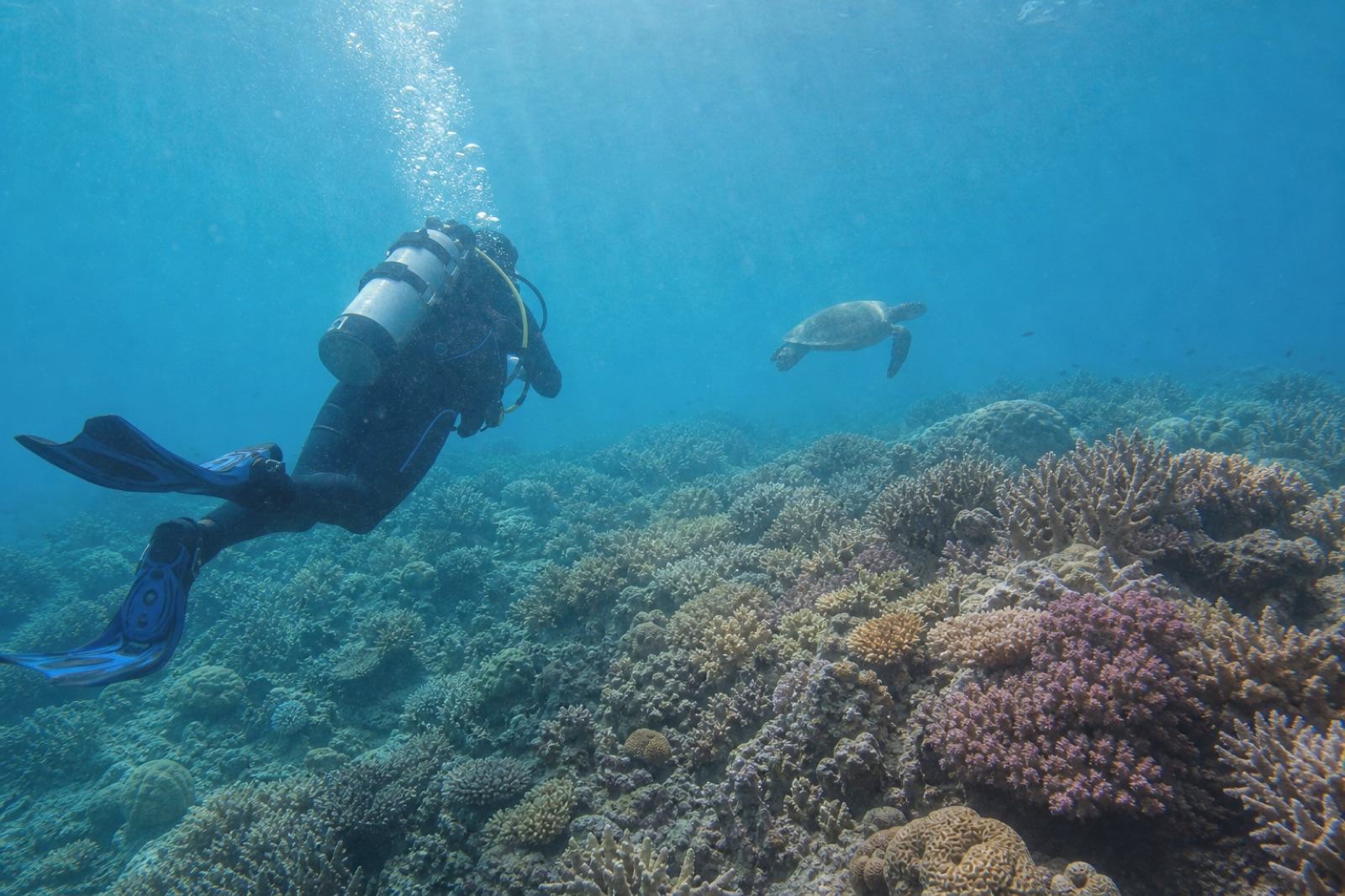
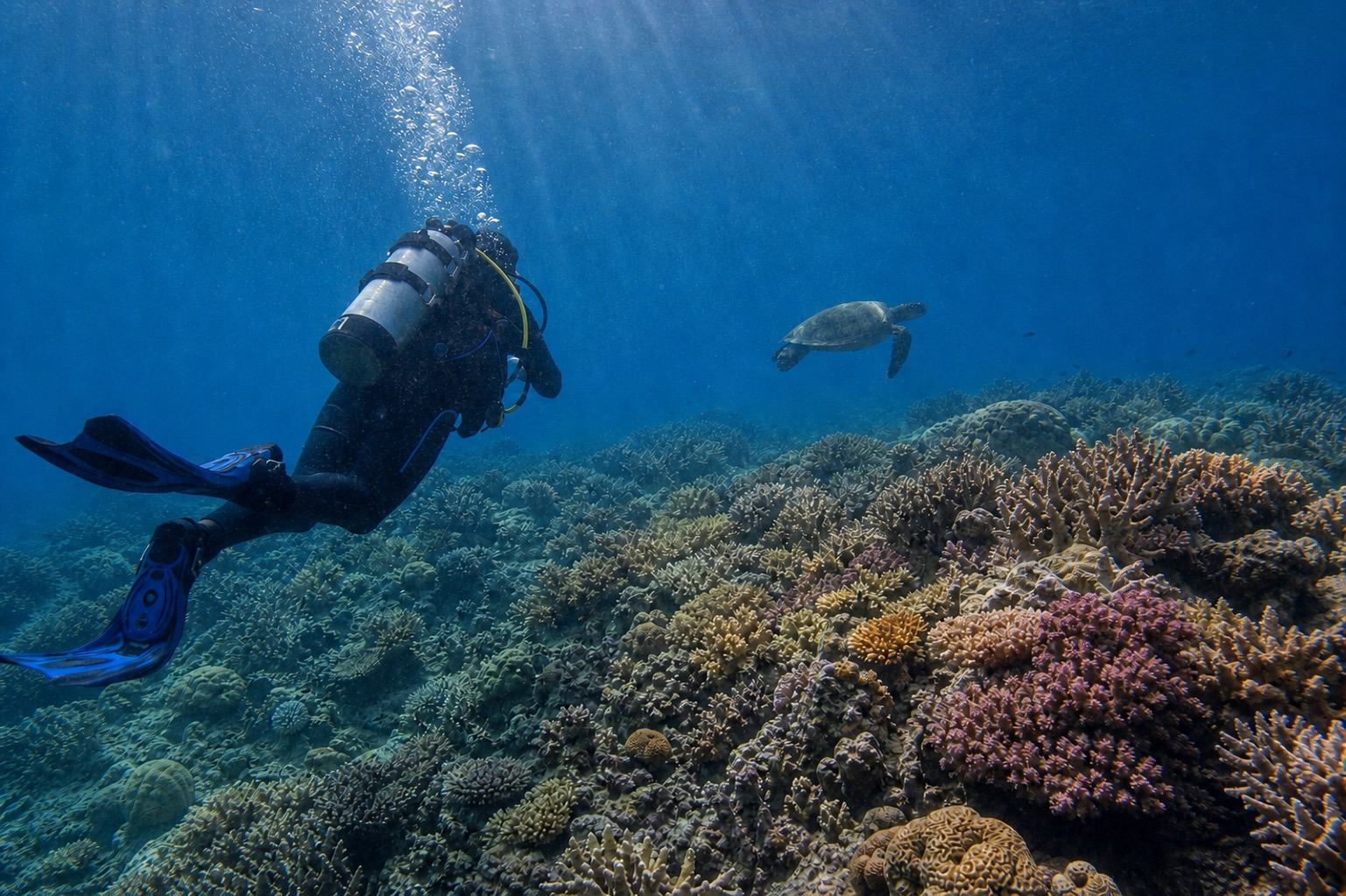
Compare the emailed result with the original
The selected photo is prepared on-device when needed and then uploaded to the server for the actual AI enhancement. Check divers, equipment, fish, and coral edges against the camera original.
03 / BEFORE YOU KEEP IT
Keep the camera original and inspect detail first.
Generative enhancement results vary by photo, and fine details can change.The original composition, subjects, and underwater light sources remain intact
Diver faces, masks, regulators, and equipment shapes have not changed
Fish, coral, and rock edges have no repeated patterns or smearing
Background water has not shifted too far toward red or magenta
The camera JPG and ORF originals remain saved separately from the download
04 / TOUGH TG FILE ANSWERS
Tough TG-6/TG-7 underwater photo questions
Which underwater shooting modes do the TG-6 and TG-7 provide?
The official manuals list Underwater Snapshot, Underwater Wide, Underwater Macro, Underwater Microscope, and Underwater HDR. These are camera settings for different scenes; they do not guarantee a DeepBlue AI result.
Can DeepBlue AI enhance an ORF RAW file directly?
No. DeepBlue AI accepts supported JPG, PNG, WEBP, and HEIC still photos, but not ORF RAW. Choose the JPG recorded with JPEG+RAW, or use a compatible tool to export a JPG from an ORF that you have the right to process.
Does it enhance TG-6 or TG-7 video?
No. Video upload and video editing are not supported. A rights-cleared JPG still frame exported separately can be selected as one photo, but video quality or motion recovery is not guaranteed.
Does a JPG shot in an underwater mode still need correction?
It depends on the photo. Underwater modes provide scene-appropriate camera settings, but depth, light source, water conditions, and subject distance can still leave color cast or haze. A JPG you already like may need no further edit.
Is the comparison proven specifically on a TG-6 or TG-7?
No. The before-and-after on this page is a general underwater sample, not proof that it was captured on a particular TG model or evidence of device-specific performance. Results vary by photo and fine details can change.
Where is the photo processed, and how long is it retained?
Compatible-format preparation and any required resizing may happen on-device before upload. The prepared photo is uploaded to the server for the actual AI enhancement and deleted after the retention period shown in the uploader and privacy notice. The uploader also shows the result-link expiry period.
Is DeepBlue AI an official OM SYSTEM or Olympus service?
No. DeepBlue AI is an independent service and is not affiliated with, endorsed by, sponsored by, or associated with OM Digital Solutions Corporation or Olympus Corporation. The OM SYSTEM, Olympus, Tough, TG-6, and TG-7 names and marks belong to their respective owners.